Cosmetic Surgery Clinic Software: The Complete Guide to Choosing the Best in 2026
A complete guide to choosing the right management software for your cosmetic surgery clinic in 2026: features, pricing, criteria and key steps.
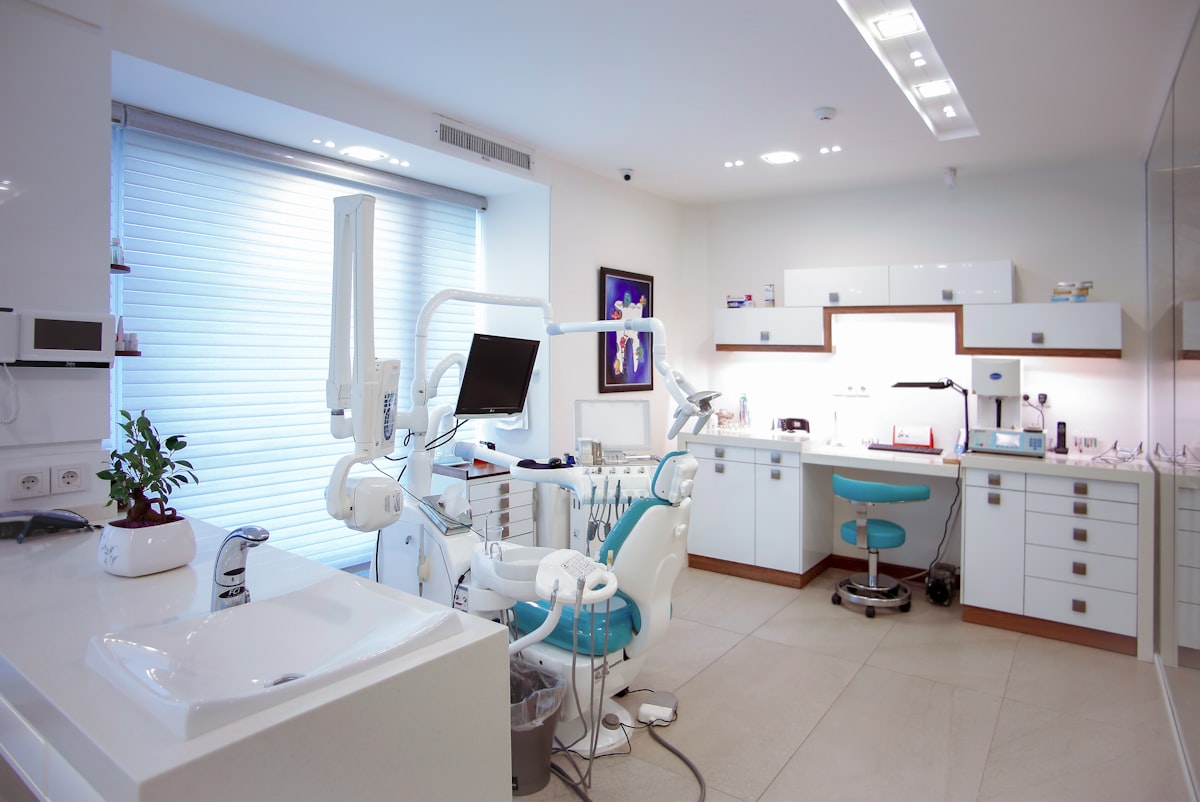
If you run a cosmetic surgery clinic and have spent months juggling an Excel spreadsheet for quotes, a paper appointment book, a folder of photos on your phone and an overflowing WhatsApp group, you are not the exception: you are the norm. Most plastic surgery and aesthetic medicine clinics in Spain today manage the entire patient journey, from the first assessment to the three-month post-operative review, with tools that were never designed for the job. The result is predictable: quotes lost in email inboxes, forgotten post-operative check-ups, clinical photos scattered across devices and an admin team that spends more hours looking for information than looking after patients.
Choosing software for a cosmetic surgery clinic is no longer an optional upgrade; it is a strategic decision that directly affects quote conversion, the legal robustness of informed consent and the experience patients have at every stage of their treatment. In this guide we look at what a management system built specifically for the sector should include, what sets specialist platforms apart from generic CRMs, how much it costs to implement one and which criteria you should apply before signing any contract in 2026.
Why a cosmetic surgery clinic needs specialist software
A cosmetic surgery patient's journey is long and has far more stages than a conventional medical appointment. It begins with an initial assessment, the first consultation, where the aesthetic diagnosis and treatment options are established. It continues with one or more quotes that need to be negotiated and followed up, moves on to planning the procedure in theatre, and extends over months through follow-up therapies, post-operative check-ups scheduled at 48 hours, one week, one month and three months, and a before-and-after photo archive that must be organised by time point and treated area. Each of these stages generates critical information that is lost or duplicated if it lives in separate, disconnected tools.
Then there is the legal dimension: informed consent carries greater legal weight in cosmetic surgery than in other medical specialties, precisely because these are elective procedures. A consent form that is badly filed, lacks a verifiable signature or uses an outdated template is a risk no clinic can afford. At the same time, the sales team needs to turn assessments into accepted quotes without the patient waiting days for a proposal or a reply on WhatsApp.
These figures are representative estimates for the sector, but any clinic manager will recognise the pattern: the more disconnected tools you use, the more friction, the more errors and the more invisible admin hours. Well-designed cosmetic surgery management software is not a technological luxury; it is the infrastructure that supports the clinic's growth.
What management software for cosmetic surgery clinics should include
Not all clinic management systems work equally well for a cosmetic surgery clinic. Many generic medical software packages handle scheduling and invoicing well but fall short on the particularities of the sector: the sales funnel from assessment to quote, the clinical photo archive and post-operative follow-up protocols spanning several months. We cover in detail what software for plastic surgeons should include in another article, but these are the modules that should feature in any evaluation.
Centralised patient record
The whole patient journey in a single file: assessments, quotes, treatments, therapy sessions, photos and consent forms, accessible from anywhere in the clinic.
Quotes with statuses and automatic conversion
Treatment lines, discounts and draft, sent, accepted or rejected statuses, with automatic conversion to a treatment as soon as the patient accepts, with no duplicated admin work.
Digital informed consent
Configurable templates for each procedure, signature on a tablet or via a link, and a legal record of the consent, with no loose paperwork or last-minute scanning.
Scheduled post-operative check-ups
An automatic review schedule at 48 hours, one week, one month and three months, with instructions, medication, clinical progress and incidents recorded at each visit.
Alongside these four pillars come other equally important pieces: a calendar that manages rooms and operating theatres without double bookings, a before-and-after clinical photo archive organised by time point and body area, unified WhatsApp and voice conversations so you are not dependent on personal mobiles, and integrated invoicing so that every accepted quote translates directly into an invoice. The more of these modules are connected within a single platform, the less time the team will waste copying information from one place to another.
Generic CRM or specialist cosmetic surgery software: which to choose
A common question among clinic managers is whether vertical software designed for the sector is worth it compared with a generic customer relationship CRM or a general-purpose medical system. The answer depends on how much weight the aesthetic side of the business carries in your clinic: if you work with negotiated quotes, clinical photography as a sales tool and post-operative follow-up over several months, a generic CRM forces you to patch together what specialist software already offers out of the box.
Generic CRMs tend to excel at marketing automation and sales pipelines, but they do not understand what an assessment is, they do not distinguish between a therapy session and a post-operative check-up, and they offer no natural place to organise photos by time point or manage legally valid consent. Conversely, software that is genuinely clinical but not specialised in aesthetics usually falls short on the commercial side: it does not handle the funnel from assessment to accepted quote well, and that is where a large share of a plastic surgery clinic's revenue is won or lost.
If this comparison sounds familiar, it is worth reading more about how to choose a CRM for your clinic before settling on any option, because the criteria change depending on the size of the team, the volume of procedures and whether you operate from one site or several.
A cosmetic surgery clinic lives on converting assessments into accepted quotes. Software that does not model that funnel with clear statuses (draft, sent, accepted, rejected) and automatic conversion to treatment forces the sales team to follow up manually, with the risk of losing opportunities along the way.
Want to see how all this works in practice?
Discover how CirugiaNexa connects assessments, quotes, treatments and post-operative check-ups in a single patient record.
Key criteria for choosing the best software in 2026
The market for cosmetic surgery management software has matured in recent years, and the differences between platforms no longer lie so much in whether they offer scheduling or invoicing (almost all of them do) but in how thoroughly they handle the processes specific to the sector. These are the steps we recommend following before you decide.
- Map your patients' real journey. Before looking at any tool, write down the exact stages a patient goes through at your clinic, from the first phone call to post-operative discharge, and what information is generated at each one.
- Check that it covers the sector's specific clinical modules. Make sure the software manages assessments, quotes with statuses, treatments by category and priority, therapy sessions and post-operative check-ups with their own schedule, not just a generic calendar.
- Check how it handles clinical photos and consent. Ask specifically how it organises before-and-after photos by time point and area, and whether consent forms are signed digitally with a legal record, on a tablet or via a link.
- Assess unified communication. If your team handles WhatsApp and calls from personal mobiles, prioritise solutions that centralise those conversations within the patient record.
- Look at support and the learning curve. Powerful software your team does not adopt is useless. Ask about average implementation time, the training included and support in your language.
- Review scalability and the pricing model. If you plan to open a second site or bring in new surgeons, confirm that the software scales without penalties or painful migrations.
- Ask for a demo with data similar to yours. The only reliable way to compare is to see the software working with a use case similar to your clinic's, not a generic presentation.
Two systems can both advertise “quote management” and behave in completely different ways. Always ask to see the full workflow: how an assessment is created, how it becomes a quote, and what happens automatically when the patient accepts it.
How much does management software for aesthetic clinics cost?
The price of cosmetic surgery clinic software varies widely depending on the commercial model: some platforms charge per user, others per site, and others offer fixed plans with a set number of features included. As a general guide, small clinics with one or two practitioners usually find affordable entry-level plans designed to cover scheduling, patient records and quotes, while clinics with several surgeons, their own operating theatre and a high patient volume need higher-tier plans that include advanced post-operative check-ups, room management, marketing and artificial intelligence agents for patient conversations.
Beyond the monthly fee, look out for common hidden costs: data migration from your previous system, staff training, technical support and whether the number of users or active patients is capped on your plan. You can browse the available plans in the pricing section of our website to get an idea of the ranges, and if you would rather see it with your own data, the most practical option is to request a free demo before comparing proposals from different providers.
A cheap plan that does not include data migration, training or support can end up costing more than one with a higher fee but everything included. Always ask for a full breakdown of what is included before comparing prices between providers.
How to implement the software without disrupting your clinic's operations
Resistance to change is by far the biggest obstacle to adopting new management software. The admin team has worked a certain way for years, and a badly planned migration can cause weeks of chaos if it is done all at once and without preparation. The good news is that implementation need not disrupt day-to-day activity if it is tackled in phases.
The first step is to migrate the essential information: your existing patient management data, with treatment histories and contact details, should be imported before activating the other modules. From there, it makes sense to switch on the calendar and patient record first, letting the team get used to the basics before adding quotes, digital consent and post-operative check-ups. Organising your clinic's diary from day one avoids the most common mistake: continuing to book appointments in two places at once during the transition.
A good provider should support this process with role-specific training (what reception needs to know is not the same as what a surgeon needs to know) and a responsive support channel during the first few weeks, which is when most questions arise. The centralised patient record is usually the most natural starting point, because the rest of the operation connects to it step by step: quotes, treatments, clinical photos and consent forms.
Clinics that migrate successfully usually spend two to four weeks activating modules progressively, starting with the calendar and patient record, before adding quotes, consent forms and post-operative check-ups. Forcing a complete migration over a single weekend tends to generate more resistance than adoption.
At CirugiaNexa this support is built into the onboarding process itself: the platform is designed so that each module is activated progressively and in a connected way, without forcing the clinic to abandon its way of working overnight. The goal is not for the team to adapt to the software, but for the software to adapt to the clinic's real pace.
Take the step towards friction-free management
See for yourself how CirugiaNexa centralises patients, quotes, consent forms and post-operative check-ups in a single platform.
Frequently asked questions
What makes cosmetic surgery clinic software different from a generic medical management system?
The main difference lies in the processes specific to the sector: the funnel from assessment to quote, with statuses and automatic conversion to treatment; the clinical photo archive organised by time point and area; digital informed consent; and the schedule of post-operative check-ups spanning several months. A generic medical system usually handles scheduling and invoicing well, but does not model these specific cosmetic surgery processes.
How long does it take to implement management software in a cosmetic surgery clinic?
It depends on the size of the clinic and the amount of data to migrate, but a well-planned phased implementation is usually completed in two to four weeks. The usual approach is to activate the calendar and patient record first, then add quotes, consent forms and post-operative check-ups, without disrupting day-to-day activity.
Is it safe to digitise informed consent?
Yes, provided the software offers configurable templates for each procedure, a verifiable signature on a tablet or via a link, and a legal record of the consent linked to the patient record. This is usually safer than paper, because it removes the risk of physical loss and leaves a traceable history of every signature.
Is the software also suitable for clinics with several sites or several surgeons?
Yes, as long as the platform is built to scale: scheduling by room and operating theatre, role-based permissions and a patient record accessible from any site. It is one of the criteria worth checking before signing up, especially if you have short-term growth plans.
What happens to my patients' data if I change software provider?
A good provider should make it easy to export and migrate patient data, quotes and clinical histories as part of the onboarding process. Before signing any contract, it is worth asking explicitly how that initial migration is handled and whether it costs extra.
Can I try the software before signing up?
Yes. It is always advisable to ask for a demo with a use case similar to your clinic's before deciding, rather than relying solely on a generic presentation. That way you can see first-hand how the assessment-to-quote funnel, the calendar and the post-operative check-ups work.